

Improved
Applicants can continue Workflow Collect on their phone with a QR code
October 21st, 2026
Applicants who open a Workflow Session link on a desktop browser can now continue on their phone with a QR code.
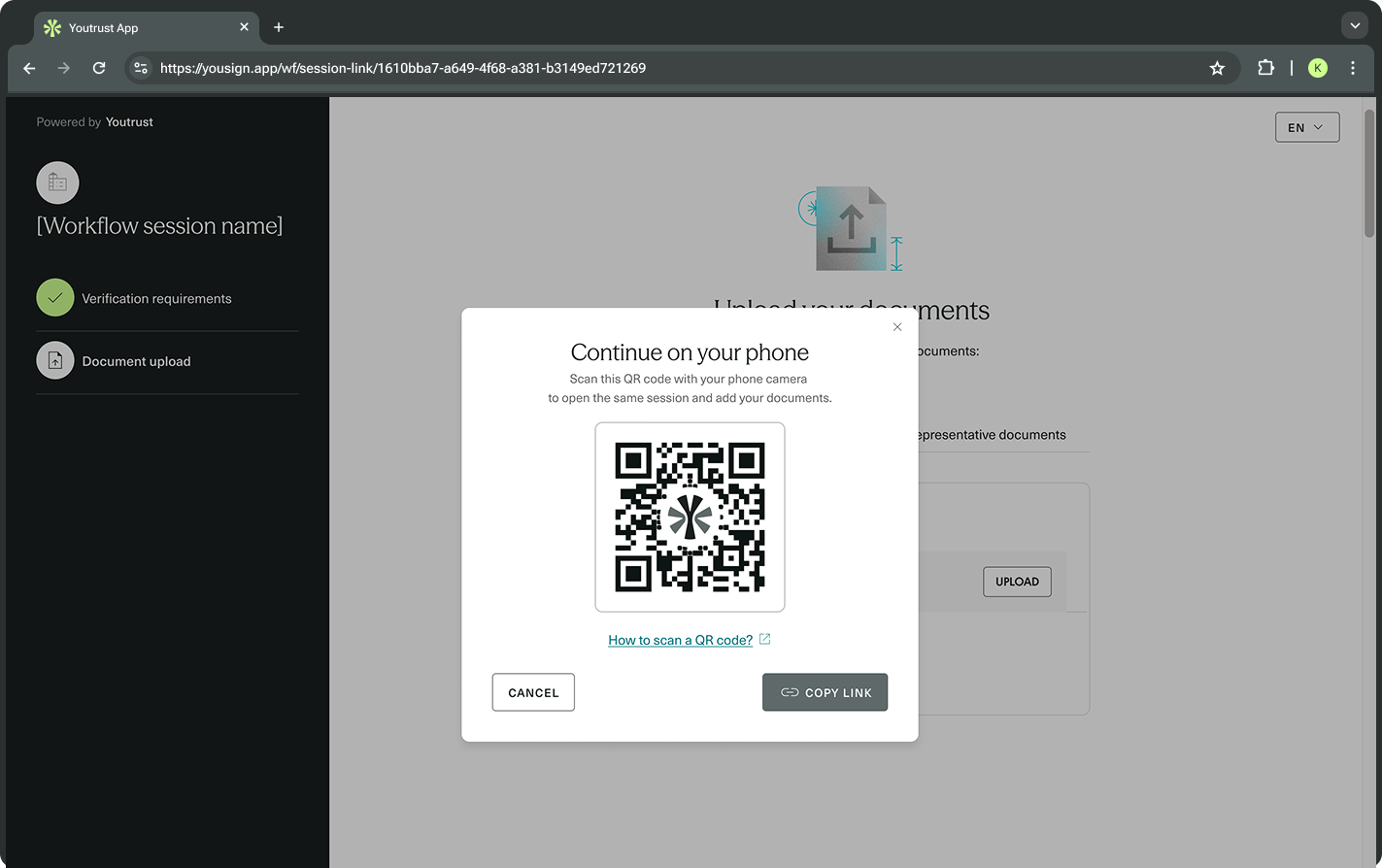
On the upload page, a Prefer using your phone? callout opens a Continue on your phone dialog. The Applicant scans the QR code with their phone camera, and the same Workflow Session opens on the phone, so they can take photos of their documents instead of finding files on their computer. The dialog also offers a Copy link button.
This is a change to the Applicant journey only. No API change is required: nothing to update in your integration, and no new field or endpoint.
How it works:
- The QR code encodes the link of the current Workflow Session, so the session carries over to the phone.
- It is shown on desktop browsers only. It does not appear on mobile devices.
- It does not appear when the Workflow Session link is embedded in an iframe.
- It is available by default, with no configuration.